Passkeys and a Lost Phone: What Still Gets You Back In
Adding a passkey does not remove the authentication and recovery factors an account already had, so a lost phone is survivable while one of those routes still works. Google documents a six-hour Android window, a seven-day wait before a new passkey can sign in and a 30-day review before a flagged passkey is deleted, and FIDO's credential exchange specifications have not appeared as a consumer export flow on the vendor pages reviewed.
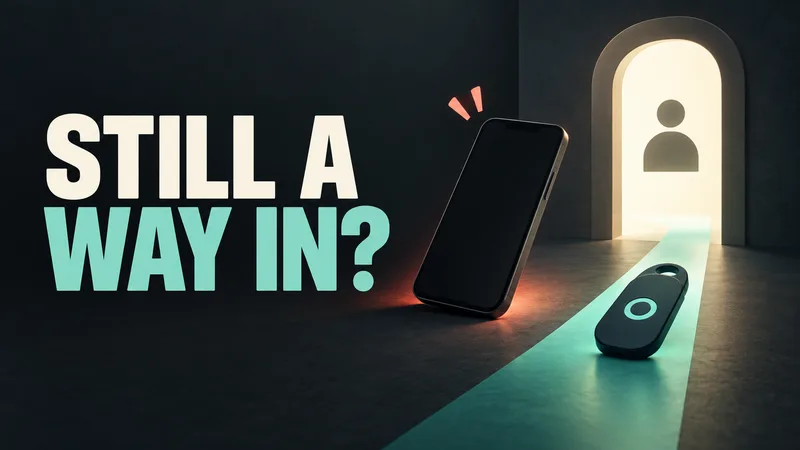
Losing the phone that holds your passkeys does not automatically lose you the accounts. Google's account help states that adding a passkey "doesn't change or remove any authentication or recovery factors currently on your account". The password or recovery codes that existed before a passkey still work after one. That makes the exposure narrower than the debate suggests. Recovery runs through whatever older method the account already had. Moving a passkey to a different manager is standardised on paper, but Google's passkey help and Apple's security overview do not describe a consumer export flow.
What a passkey is, and where the private key stays
The FIDO Alliance defines a passkey as a credential based on FIDO standards. It can live on a phone or computer, or in a hardware security key, and it is tied to one account on a website or application. Apple's security overview describes the mechanism underneath. The device generates a key pair for each account. The public key goes to the server, which never learns the private key, because that half stays on the device.
Google's help page puts it plainly: a passkey cannot be shared, copied, written down, or accidentally handed to someone else. The operating system and browser release it only for the service it was created for. passkeys.dev, run by members of a W3C adoption group and the FIDO Alliance, adds the part that matters for backups. Relying parties store public keys. Even the servers that sync passkeys across your devices cannot read the private keys, so a synced passkey stays a copy that the provider cannot use.
Adoption is no longer marginal. A 2024 survey commissioned by the FIDO Alliance found that 53 percent of respondents had enabled a passkey on at least one account and 22 percent on every account where it was possible.
What survives when the phone is gone
Google publishes the operational details that the argument usually skips. On Android, a passkey keeps working for up to six hours after you sign out. After that you need a different method to get back in. Signing in again generates a new passkey and invalidates the old one. On other devices you can sign back in with the passkey at any time. If a device is lost, Google's instruction is to remove that passkey from the account rather than wait for someone to try it.
The same page carries a warning that runs against the usual privacy framing. Create a passkey only on a device you own and use. Once it exists, anyone who can unlock that device can reach the account, even after you sign out.
The switches the provider keeps
Two essays published in the past month, both heavily discussed on Hacker News, argue that passkeys move control away from the user. Google's own instructions show three places where a provider can delay, disable or delete a credential. All three are documented, and none of them is obvious from the sign-in screen.
A new passkey may not be usable for sign-in for up to seven days unless the account already has a trusted passkey or a security key, which shortens the wait. That is Google's documented rule, not a requirement for other providers. If Google's systems flag a passkey as suspicious, the company disables it, notifies the owner and allows 30 days to confirm the credential was added deliberately. Without that confirmation it is deleted. Creating a passkey also turns on password-skipping by default, so the password prompt stops appearing until the owner finds the setting and switches it back.
Moving passkeys between providers
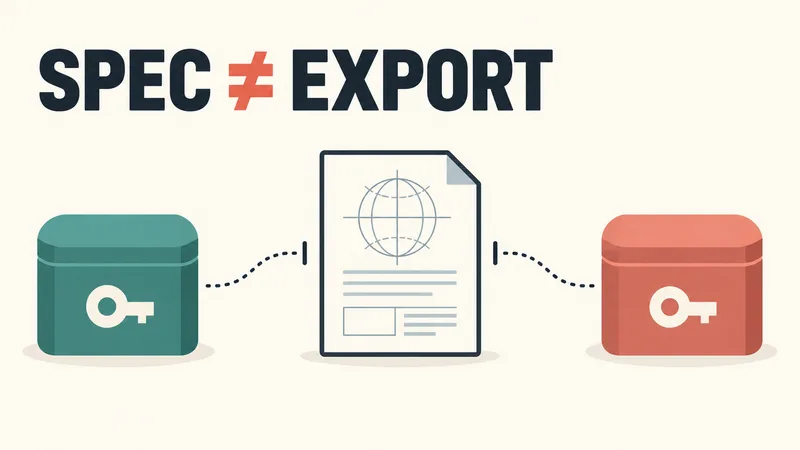
The FIDO Alliance has published credential exchange specifications. They define a standard format for moving every type of credential a manager holds, including passwords and passkeys, "in a manner that is secure by default". The specifications are open and downloadable.
Neither Google's passkey help page nor Apple's passkey security page describes exporting an existing passkey to another manager, and the FIDO overview does not list providers that have done it. Apple's compatibility claim is narrower than portability: passkeys work across Apple devices and, with a nearby phone, on non-Apple devices as well.
One sharper worry appears in the essays but not in the documentation. A ban on the platform account that syncs your passkeys would, on that argument, take every passkey with it. Google's passkey help page and Apple's passkey security page do not address that scenario. Check a specific provider's documentation before relying on the claim.
Where the essays go beyond the documentation
Ethan Hawksley's post argues that passkeys suit a corporate fleet better than a personal account. An individual's realistic risks, he writes, are lockout and device loss, and hardware keys can be added to but not moved between services. The Non-Functional essay goes further. It describes a hidden dial that lets sites reduce what a user can do with their own credentials, and it questions who sits at the table when the standards are set.
Both pieces are on solid ground when they say the weakest recovery path decides an account's real security. That path comes from the recovery methods the account had before any passkey was added, which is what the vendor pages describe.
What to do with a passkey you already have
Find the passkey list in the accounts that matter, since that is where a lost credential gets removed. Keep at least two working ways into an account, because a passkey plus one recovery factor is a thinner margin than a passkey plus a second device or a security key. And if convenience was the reason for setting one up, check the password-skipping setting instead of assuming the password prompt is gone for good.
Sources & further reading
- FIDO Passkeys: Passwordless AuthenticationFIDO Alliance · accessed Oct 12, 2026
- FIDO Alliance Credential Exchange Specifications OverviewFIDO Alliance · accessed Oct 12, 2026
- What are passkeys?passkeys.dev (W3C Web Identity & Credentials Adoption CG members and the FIDO Alliance) · accessed Oct 12, 2026
- Sign in with a passkey instead of a passwordGoogle (Google Account Help) · accessed Oct 12, 2026
- About the security of passkeysApple Support · accessed Oct 12, 2026
- I don't like passkeysEthan Hawksley · accessed Oct 12, 2026
- Passkeys are a trap. Do not use them.Non-Functional (The Hack) · accessed Oct 12, 2026