Firefox 157 Brings Compact Mode Back to Settings: What Changed
Firefox 157 refreshes browser controls, brings compact density into Settings, and adds functional changes for video calls and security warnings. Here is where to enable Compact.
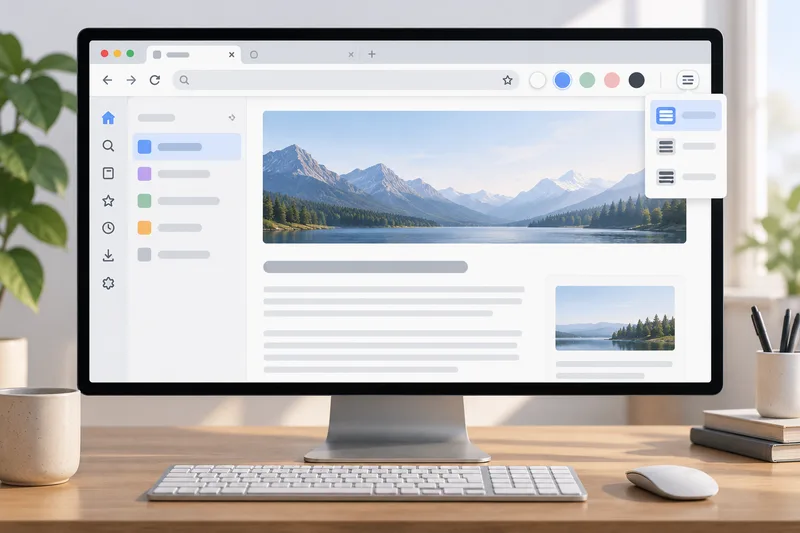
Firefox 157 reached the release channel on September 29 with a visual refresh across the browser. Mozilla's design announcement says the rollout covers desktop and mobile, updating colors, icons, tabs, toolbars, the New Tab page, and Private Browsing. The release notes list new light and dark themes and a Compact density setting.
Compact reduces toolbar and tab spacing, leaving more room for web content on smaller screens and in split-screen layouts. It changes the browser's controls rather than a page's zoom setting, so the website keeps its own layout and zoom behavior. The denser controls may be harder to tap for some users. Compact is optional; people who prefer larger touch targets can keep the standard density. On a touchscreen, check whether the tighter spacing still leaves enough room to select the right tab without mistaps in your setup.
How to enable Compact
In Firefox 157, open the menu and choose Settings. Select Appearance, then choose Compact under Window density. Close Settings; the preference saves automatically. Mozilla's support page gives this path for version 157 and later.
The setting has a history. Mozilla says the Compact option disappeared from the Customize panel in Firefox 89. Before 157, users had to use an about:config workaround. The support page labels that workaround unsupported and warns that advanced configuration changes can affect browser stability. Firefox 157 puts the choice in ordinary Settings.
Themes and density control different things. A light or dark theme changes the browser's colors; Compact changes spacing around tabs and controls. The release notes list built-in themes, but they do not announce separate controls for every tab shape or border detail.
Sidebar and other interface changes
The updated sidebar is now enabled for everyone. Mozilla says users can restore the previous version by setting sidebar.revamp to false in about:config through the end of 2027. That also turns off vertical tabs, so the preference restores one panel version rather than the entire earlier interface.
Keyboard navigation changed as well. Pressing Tab moves directly to the address or search text field; Shift+Tab reaches the search-engine button. Firefox Suggest expanded to Austria, Belgium, the Czech Republic, Denmark, Finland, Hungary, Ireland, Luxembourg, the Netherlands, Norway, Poland, Portugal, Slovakia, Spain, Sweden, and Switzerland. Users can control those address-bar suggestions in Firefox Suggest settings.
Changes for calls and security
AV1 is a video format. In Firefox 157, compatible hardware can decode it for WebRTC calls instead of relying on software decoding in every case. WebRTC is used for browser-based calls, so this note does not promise a change to ordinary streaming video. The release note is limited to supported devices and calls; it gives no general performance or battery-life figure. Firefox also fixes phone and tablet video that appeared sideways in WebRTC, improves audio and video synchronization when playback speed changes repeatedly, and addresses some HDR video that looked dull on Windows.
Firefox 157 adds a warning in the site-information panel and Settings if the browser has been configured to record encryption keys. Mozilla says that setup could let other software on the computer read encrypted web traffic. The warning identifies a configuration and a possible exposure; it does not say that Firefox records keys by default or that a website has read them. Users who intentionally record keys for debugging can confirm which tool depends on the setting. On a managed device, they should ask the administrator before changing it.

What users are asking for
An r/firefox thread asked for built-in options for tab shape, color, and toolbar height. A Hacker News discussion included reactions to the rounded tabs and refreshed styling. These are community samples, not a poll of Firefox users. Mozilla's release notes do not list the requested shape, color, or toolbar-height controls; Compact changes spacing but does not answer those requests.
Sources & further reading
- Firefox 157.0 Release NotesMozilla Firefox · accessed Oct 11, 2026
- The new Firefox design: More modern, more flexible, still FirefoxMozilla Firefox Blog · accessed Oct 11, 2026
- Enable Compact mode in FirefoxMozilla Support · accessed Oct 11, 2026
- The new Firefox design is hereHacker News · accessed Oct 11, 2026
- Why didn't we get more appearance customization choices with the Firefox 157 update?r/firefox (Reddit) · accessed Oct 11, 2026